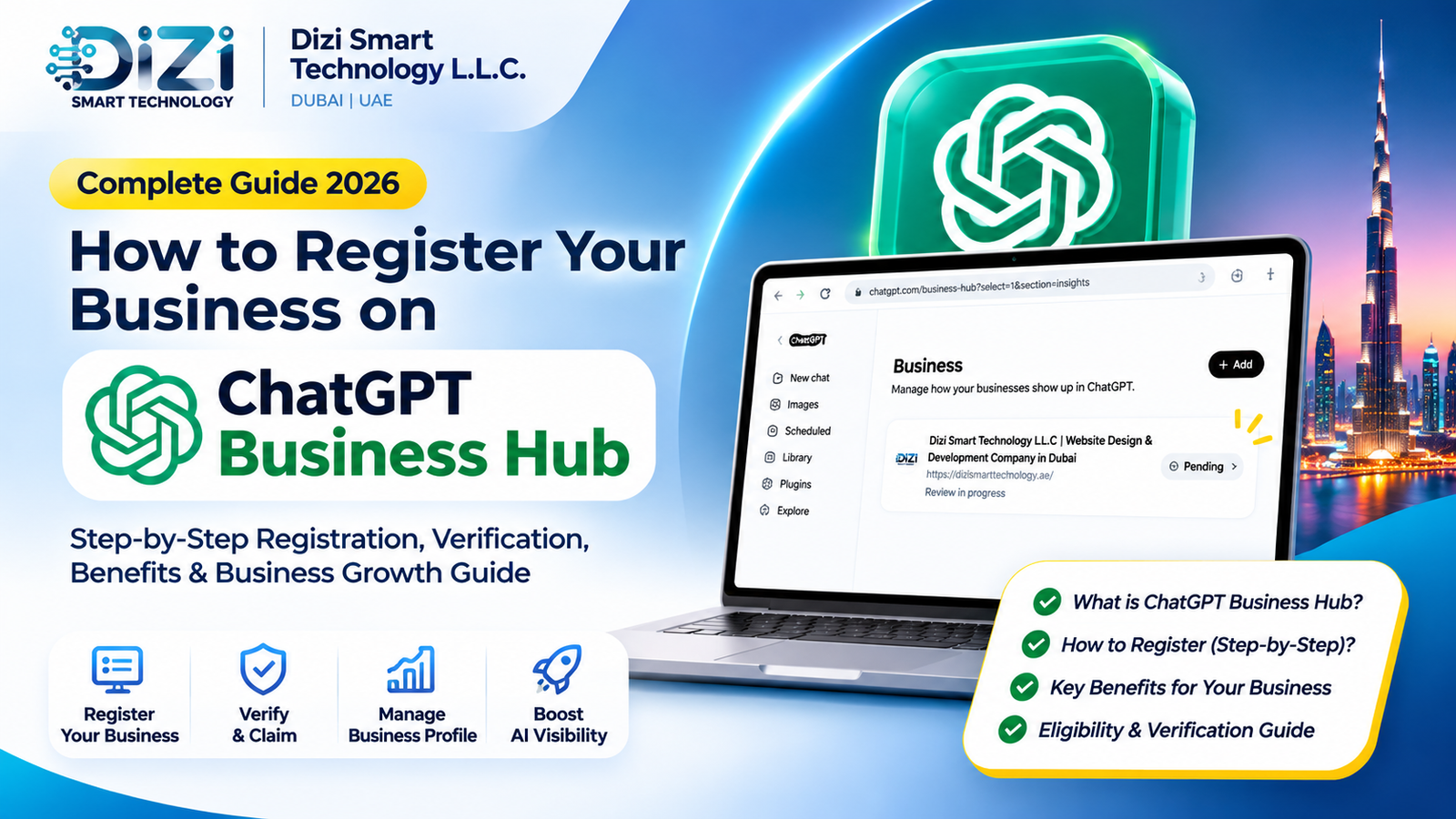
How to Register Your Business on ChatGPT Business Hub: Complete Guide for 2026
The way customers discover businesses online is changing rapidly. Traditionally, people searched for products and services through Google, business directories, and social media platforms. Today, AI-powered platforms such as ChatGPT are creating new opportunities for businesses to connect with potential customers.
OpenAI has introduced Businesses in ChatGPT and ChatGPT Business Hub, giving eligible businesses an opportunity to claim their business profiles, manage company information, and understand how customers discover them through ChatGPT.
For business owners, digital marketers, startups, and service providers, this development represents an important step in the evolution of AI-powered business discovery.
In this comprehensive guide, Dizi Smart Technology LLC explains what ChatGPT Business Hub is, how to register your company, how verification works, what benefits it offers, and how businesses can prepare for the future of AI search.
1. What Is ChatGPT Business Hub?
ChatGPT Business Hub is an OpenAI platform that allows eligible businesses to claim and manage their business presence within ChatGPT.
Through Business Hub, authorized business owners and representatives can manage important company information, provide accurate business details, and access insights about how their businesses appear in ChatGPT.
Depending on eligibility and verification, businesses may be able to:
- Claim an existing business profile or add an eligible business.
- Manage business information and descriptions.
- Update their website, company logo, and business category.
- Provide product and service information.
- Connect eligible product feeds with pricing and availability.
- View business mentions and website click insights.
- Understand discovery topics associated with their business.
- Explore Business Agent capabilities where available.
Business Hub is different from a paid ChatGPT Business subscription. It is a business presence and management experience within ChatGPT.
2. Why Should Businesses Register on ChatGPT Business Hub?
Customers increasingly use AI tools to research companies, compare services, discover products, and find answers to business-related questions.
For example, someone might ask ChatGPT:
- Which is the best website development company in Dubai?
- Recommend a digital marketing agency in the UAE.
- Where can I find an SEO company for my business?
- Which companies provide eCommerce website development?
- What are the best software development companies in India?
ChatGPT may use information from websites and other available sources when answering these questions.
Claiming your business through Business Hub gives eligible businesses a way to provide and maintain accurate company information and understand how their websites are referenced in ChatGPT.
Key benefits of ChatGPT Business Hub
1. Manage your business information
Businesses can manage important details such as their website, business description, logo, category, and other supported profile information after completing the required verification.
2. Understand AI-driven business discovery
Business Hub provides aggregate insights into how your business is mentioned in ChatGPT and which discovery topics are associated with those mentions.
3. Monitor website clicks
Eligible verified businesses can view reported website clicks originating from their ChatGPT business presence.
4. Improve information accuracy
Providing accurate descriptions, service information, and business details helps ChatGPT access more reliable information about your company.
5. Prepare for AI-powered customer interactions
OpenAI has also introduced Business Agents for eligible businesses. These agents can answer customer questions using business-provided information and policies. Availability is subject to separate eligibility requirements.
3. Requirements Before Registering Your Business
Before starting your registration, prepare the following information:
- Official business or company name.
- Business website URL.
- Business email address.
- Active business phone number, if offered as a verification option.
- Business logo.
- Accurate company description.
- Business category and service information.
- Business registration documents, where requested.
- Government-issued identification for identity verification, where requested.
- Proof that you own or are authorized to represent the business.
Make sure your company information matches your official business records. Verification options depend on your business listing and eligibility.
4. How to Register Your Business on ChatGPT Business Hub: Step-by-Step Guide
Step 1: Open ChatGPT Business Hub
First, visit the official ChatGPT website and sign in using your ChatGPT account.
Open Business Hub from the ChatGPT sidebar or visit:
https://chatgpt.com/business-hub
This is the official starting point for managing your business presence.
Step 2: Search for Your Business
Once you enter Business Hub, search for your company using its official business name.
If your business already appears in the search results, carefully check its name, website, and other identifying information.
Select the correct listing and confirm which ChatGPT account you will use to manage the business.
If you cannot find your company, an option to add a business may be available for eligible online businesses.
Step 3: Choose a Business Verification Method
OpenAI may provide different verification options depending on your business and listing.
Available methods can include:
Business phone verification
Select the business phone verification option if it is available. You may receive a verification code through an SMS or automated phone call. Enter the code to confirm control of the number.
Business email verification
Choose business email verification and request a code. Enter the code sent to the business email address shown during the process.
Website domain verification
Website domain verification allows you to demonstrate control of your company's website domain.
OpenAI may provide a DNS TXT record that needs to be added to your domain's DNS settings.
- Open the domain DNS management panel.
- Locate the DNS records section.
- Select the option to add a TXT record.
- Copy the exact host and TXT value provided by ChatGPT.
- Save the record.
- Return to Business Hub and select the verification option.
DNS updates can take time to become visible. Always copy the verification values exactly as provided.
Shopify store verification
Eligible Shopify businesses may be able to connect their Shopify store to complete business verification. Follow the authorization instructions and review the permissions before connecting.
Step 4: Submit Your Business Claim
After completing the available business verification steps, submit your claim for review.
OpenAI reviews the claim and may send an approval decision or request additional information by email.
Important: Submitting your business information does not mean that your registration has been approved. Your profile may display a pending or review-in-progress status until the review is complete.
Step 5: Complete Identity Verification
After your business claim is approved, you may need to complete identity verification through OpenAI's verification partner, Persona.
Depending on the verification request, you may need:
- Government-issued identification.
- Business registration information.
- Proof of ownership or authorization to represent the company.
Complete the verification process using accurate and consistent information.
A business claim and identity verification are separate steps. Certain profile management and insight features remain unavailable until the required verification is approved.
Step 6: Complete Your Business Profile
After the required approvals, access your business profile and update the information available to you.
Consider completing the following details:
- Business name and official website.
- Professional company description.
- Company logo and cover photo.
- Business category.
- Products and services.
- Delivery and return policies, where applicable.
- Other supported business information.
Write clear and accurate descriptions. Avoid keyword stuffing, exaggerated claims, or misleading business information.
Step 7: Explore Business Insights
Once the required verification is approved, eligible businesses can explore the Insights section in Business Hub.
Insights can include:
- Mentions: How often ChatGPT references your business website or displays your local business result, depending on business type.
- Website clicks: Reported clicks to your website from your ChatGPT business presence.
- Discovery topics: Common themes in ChatGPT answers where your website is referenced.
OpenAI reports aggregate activity over the previous 28 days. These insights do not provide individual customer prompts or private conversations.
5. What Is a ChatGPT Business Agent?
A Business Agent is a separate capability that allows customers to interact with an eligible business through a dedicated AI-powered conversation.
Businesses can provide relevant product details, service information, policies, and instructions to help their agents answer customer questions.
For example, an eCommerce customer might ask:
- What is the difference between these two products?
- What is your delivery policy?
- Which product is suitable for my requirements?
- What is the return policy?
The Business Agent can use the information supplied by the business to help customers explore their options.
Availability note: Business Agents are subject to separate eligibility requirements. At the time of writing, OpenAI identifies eligible eCommerce and online service businesses in the United States as the initial supported group. Claiming a business profile does not automatically provide access to a Business Agent.
6. Is ChatGPT Business Hub Free?
Claiming an eligible business profile is separate from purchasing a ChatGPT subscription or advertising service.
According to OpenAI's Business Hub information, businesses do not need an Ads account or a ChatGPT Enterprise agreement to claim an eligible business.
However, certain verification requirements and additional features apply. Business Agent capabilities also have separate eligibility conditions.
Always check the official OpenAI instructions for the latest availability and requirements.
7. Does Registering on ChatGPT Guarantee More Customers?
No. Claiming your business does not guarantee that ChatGPT will recommend your company more frequently, improve its ranking, or generate a specific number of leads.
Business Hub gives eligible companies more control over the information they provide and offers insights into how their websites are referenced.
ChatGPT may also use other information sources when answering customer questions. Its independent recommendations are not controlled by a business's profile claim.
For better long-term digital visibility, businesses should continue investing in:
- High-quality website content.
- Technical SEO and website performance.
- Accurate business information across online platforms.
- Relevant industry publications and genuine backlinks.
- Clear service pages and informative FAQs.
- Structured data and search engine accessibility.
- Useful content that answers real customer questions.
8. How to Prepare Your Website for AI Search and Discovery
Registering your business is only one part of building a strong digital presence. Your website should also provide clear, accurate, and accessible information.
Optimize your website content
Create dedicated pages for your products and services. Explain what you offer, who you serve, where you operate, and how customers can contact you.
Publish informative blog articles
Answer common customer questions through useful articles, practical guides, and industry-related resources.
Implement relevant schema markup
Use appropriate structured data such as Organization, LocalBusiness, Service, Product, and Article schema where applicable. Ensure that schema information matches visible website content.
Build trustworthy online references
Maintain consistent company details across relevant business directories, social profiles, industry websites, and legitimate publications.
Improve website technical performance
Maintain a mobile-friendly design, secure HTTPS connection, fast-loading pages, clean navigation, and accessible content.
Keep company information updated
Make sure your company name, contact information, service locations, business descriptions, and website details remain accurate and consistent.
9. Common ChatGPT Business Hub Registration Problems
Business verification is pending
OpenAI reviews business claims and may request additional information. Check your registered email address and wait for the review decision. Review times can vary.
Unable to verify the website domain
Check that the DNS TXT record matches the exact values provided. Confirm that the record has been saved with your domain provider and allow time for DNS propagation.
Business email verification is not working
Confirm that you are using the email address displayed during verification. Check spam and junk folders for the verification message.
Business profile is already claimed
If another person has claimed your business, use the ownership dispute process available in Business Hub and follow the identity verification instructions.
Business information is not appearing
Approved changes may take time to appear. OpenAI may also use other sources when generating answers about your company.
10. Why Digital Marketing and AI Visibility Matter for UAE Businesses
The UAE has a competitive digital business environment, with companies investing in websites, SEO, paid advertising, social media, and automation to attract customers.
AI-powered discovery adds another area that businesses should understand and monitor.
For companies in Dubai, Abu Dhabi, Sharjah, and other Emirates, a strong digital strategy should combine:
- Professional website design and development.
- Local SEO and location-based landing pages.
- Google Ads and performance marketing.
- Social media marketing.
- Content marketing and digital PR.
- Technical SEO and structured data.
- AI search visibility optimization.
Businesses should treat AI discovery as an additional part of their digital marketing strategy rather than a replacement for traditional search engine optimization.
11. How Dizi Smart Technology LLC Helps Businesses Grow Digitally
Dizi Smart Technology LLC is a Dubai-based digital solutions and technology company helping businesses strengthen their online presence through website development, digital marketing, and modern technology solutions.
We help businesses develop practical digital strategies that support brand awareness, customer engagement, lead generation, and long-term growth.
Our core services
- Website Design and Development: Professional, responsive, and conversion-focused business websites.
- eCommerce Development: Online stores and eCommerce solutions designed to support business growth.
- Search Engine Optimization: Technical SEO, on-page optimization, content strategy, and local SEO.
- Google Ads: Search advertising, lead generation, and performance marketing campaigns.
- Meta Ads: Facebook and Instagram advertising strategies.
- Social Media Marketing: Brand communication, content planning, and social media management.
- Software Development: Customized software and technology solutions.
- AI-Powered Business Automation: Technology-driven workflows to improve business efficiency.
Our objective is to help companies adapt to changing digital trends and build a stronger online foundation.
Visit our website to explore our digital services:
Dizi Smart Technology LLC – Digital Solutions in Dubai
12. Frequently Asked Questions (FAQs)
Q1. What is ChatGPT Business Hub?
ChatGPT Business Hub is an OpenAI platform where eligible businesses can claim and manage their business profiles, update information, and access business discovery insights.
Q2. How do I register my company on ChatGPT?
Sign in to ChatGPT, open Business Hub, search for your company, select the matching listing or add an eligible business, and complete the verification steps provided.
Q3. Can businesses in Dubai register on ChatGPT Business Hub?
Business Hub availability depends on the business location, business type, and supported verification methods. Eligible businesses should check the options displayed in their own Business Hub account.
Q4. Is ChatGPT Business Hub the same as ChatGPT Business?
No. Business Hub is for claiming and managing a business presence in ChatGPT. ChatGPT Business is a separate paid workspace subscription for organizations.
Q5. Does registering on ChatGPT improve Google rankings?
No. Registering on ChatGPT Business Hub does not directly improve Google rankings. Google SEO requires its own search optimization strategy.
Q6. Does claiming a business guarantee recommendations in ChatGPT?
No. Claiming allows eligible businesses to manage their information, but it does not guarantee better placement or recommendations in ChatGPT answers.
Q7. What verification methods are available?
Depending on eligibility, available methods may include business phone, business email, website domain DNS verification, or Shopify store verification.
Q8. What is Persona verification?
Persona is OpenAI's identity verification partner used for additional verification of business representatives. The required information depends on the verification process.
Q9. Can I see how often my business appears in ChatGPT?
Eligible verified businesses can access aggregate insights, including business mentions, website clicks, and discovery topics.
Q10. Can ChatGPT Business Hub generate leads?
Business Hub provides business information management and discovery insights. It may support customer discovery, but it does not guarantee leads or sales.
Conclusion
ChatGPT Business Hub represents an important development in the relationship between businesses and AI-powered discovery.
By claiming an eligible business profile, completing verification, and maintaining accurate company information, businesses can take an important step toward managing their presence within ChatGPT.
However, successful digital growth requires more than registering on one platform. A professional website, strong SEO strategy, relevant content, reliable business information, and consistent digital marketing remain essential.
As AI technology continues to evolve, businesses that invest in accurate information and a strong digital foundation will be better prepared for new opportunities.
Ready to strengthen your digital presence?
Contact Dizi Smart Technology LLC for professional website development, SEO, Google Ads, social media marketing, and digital solutions in Dubai and across the UAE.
Website: https://dizismarttechnology.ae/
Email: info@dizismarttechnology.ae
Location: Dubai, United Arab Emirates
Official Resources
- OpenAI – Businesses in ChatGPT
- OpenAI Help Center – Setting Up Your Business on ChatGPT
- Open ChatGPT Business Hub
Last updated: November 2026. Features, availability, and verification requirements may change as OpenAI expands Business Hub.